
The Arduino PLC and the Arduino PLC IDE… there has been a lot of buzz around it since it was announced recently. I’m a long-time user of the Arduino eco-system and have been using their IDE for over 10 years for various projects. Guess if I was surprised when they released their new IDE aimed at the industrial automation industry! The Arduino PLC IDE only supports one board right now, the Arduino Portenta Machine Control, and luckily I had just been using one of these boards for another project recently, so I could try the new PLC IDE that Arduino have released.
I thought I’d share my initial impressions, findings, praises & complaints with all of you by making a YouTube video where I go through the complete process of installing the IDE and configuring one Arduino board to run a simple PLC program.


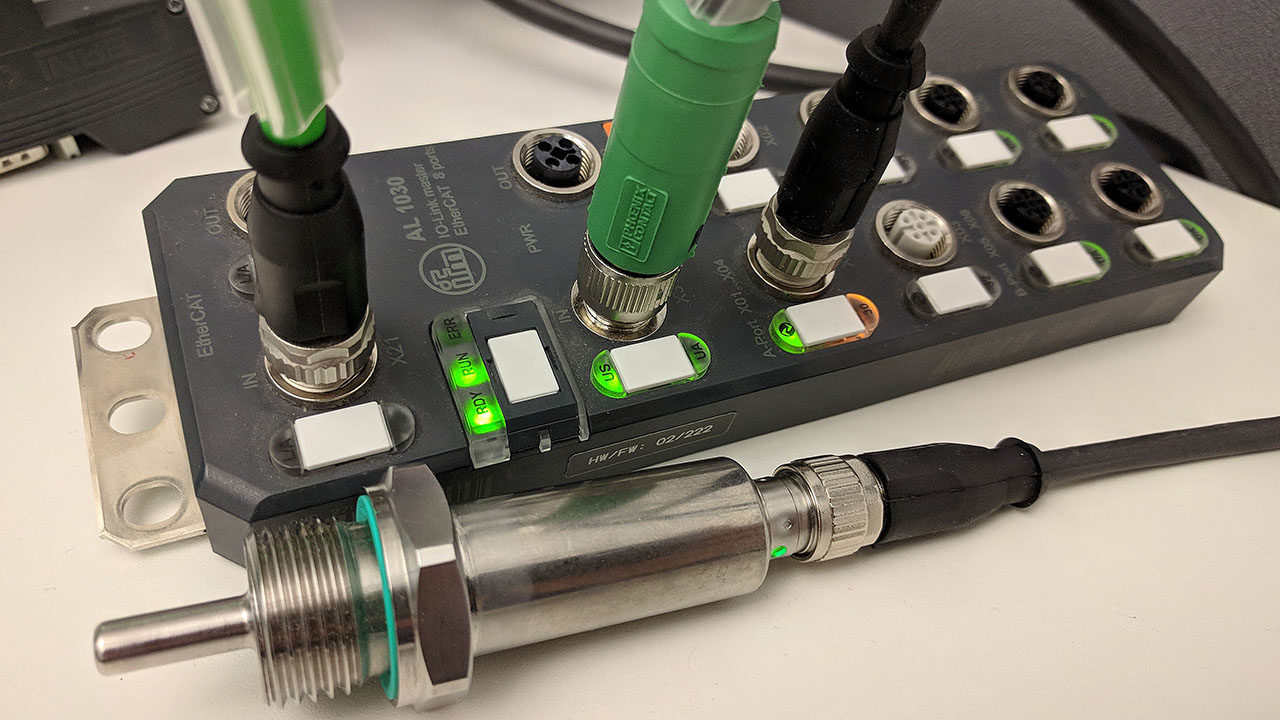
 We’re finally at the last post of this series! Patiently we’ve written all our tests and done all our code that implements the required functionality and made sure that our code passes all the tests. But in the end of the day, despite all the theory and coding we want our code to run on a real physical device. Now it’s time for the favorite part of every PLC programmer, which is getting down to the hardware and micro controllers! Let’s get to the grand finale, and test our code on a real PLC, IO-Link master and IO-Link slave.